 Google Keep - Notes and lists
Google Keep’s Quiet Growth Shows the Appeal of Simpler Notes
As mobile work gets busier, Google Keep keeps winning a simple contest: capture a thought quickly, find it later, and get on with the day.
Google Keep is built around a small promise: get a thought out of your head before the next interruption arrives. That promise is looking unusually well-timed. As phones become crowded with work chats, calendars, documents, and AI features, Keep’s appeal is not that it does more than its rivals. It is that it makes the first step almost frictionless. The app’s continued presence in Google’s mobile lineup reflects a durable kind of momentum: people keep reaching for a place to catch the loose ends of everyday life.
That is a more convincing growth story than a flashy feature launch. Google does not publish a neat, current install chart for Keep that proves a sudden surge, so claims of explosive growth would be guesswork. The stronger signal is its staying power and relevance across a huge Android audience, alongside a useful iOS version. Keep remains the lightweight layer between a passing idea and a more formal system. In a category where many products want users to build a workflow, it asks them to make a note.
Why a quick note matters again
The timing is not hard to understand. People now move between home, work, school, and errands with more information arriving through more channels. A task may surface in a conversation, a recipe in a browser, and a shopping reminder in the middle of a commute. The problem is rarely a shortage of information; it is remembering which detail needs attention later. Keep takes aim at that gap with text notes, lists, images, voice recordings, labels, colors, reminders, and search.

See More Apps by Google Keep - Notes and lists


That feature set sounds modest because it is. The advantage comes from how little ceremony sits between opening the app and recording something. A grocery list can be a checklist. A quick thought can stay as a plain note. A photo of a notice can sit beside typed context. Voice input helps when hands are occupied, while reminders can bring an item back at a chosen time or place. Keep does not force these fragments into a project plan before they are useful.
The app also benefits from a shift in how people think about productivity. A decade of elaborate dashboards has taught many users that organization can become another job. Keep offers a lower-stakes alternative: collect first, sort only if needed. This is not a replacement for a serious task manager or a durable document archive. It is a practical buffer for information that would otherwise disappear into a chat thread or a fading memory.
A product that has changed by staying recognizable
Keep’s development has been less about reinvention than about making the small system work across Google’s ecosystem. Notes can be accessed across supported devices through a Google account, and collaboration lets another person contribute to shared lists. The result matters most in ordinary coordination: a household shopping list, a packing checklist, or a short set of action items that two people need to see.
Its relationship with Google’s wider services is useful but easy to overstate. Google Drive is the more natural home for substantial files and documents; Keep is better for short-lived thoughts and compact reference material. Google Calendar handles scheduled events, while Keep reminders help surface individual tasks. Google Assistant can help capture a note or reminder through voice in supported contexts, but Keep itself is still where the saved material gets reviewed and edited. The boundaries are not always perfectly clear, yet they give users a path from quick capture to a more structured tool when the need grows.
That division of labor is one reason Keep has not needed to imitate a full notes suite. Its cards are easy to scan, and its search can rescue an old fragment without requiring a carefully maintained folder tree. Labels and colors provide some order, but the app does not insist on a taxonomy. The product’s most consequential change, in a sense, is that it has remained legible while users’ digital lives have grown more complicated.
There is a trade-off in that restraint. Keep’s interface and feature model feel familiar, but they can also feel frozen beside services that offer richer formatting, linked databases, or deep project structures. For many quick notes, those capabilities would be clutter. For longer research, meeting records, or documents that need careful presentation, Keep’s minimal canvas begins to feel cramped. Its momentum comes partly from refusing complexity, but that same choice limits how far it can stretch.
What user behavior says about its appeal
Keep is most revealing when viewed through repeated small actions rather than big projects. People open it to check off an item, add one more thing to a list, or look up a note they only half remember. That pattern creates a particular kind of stickiness. The app does not demand a long session; it earns a place in the routine by being useful for a few seconds, several times a day.
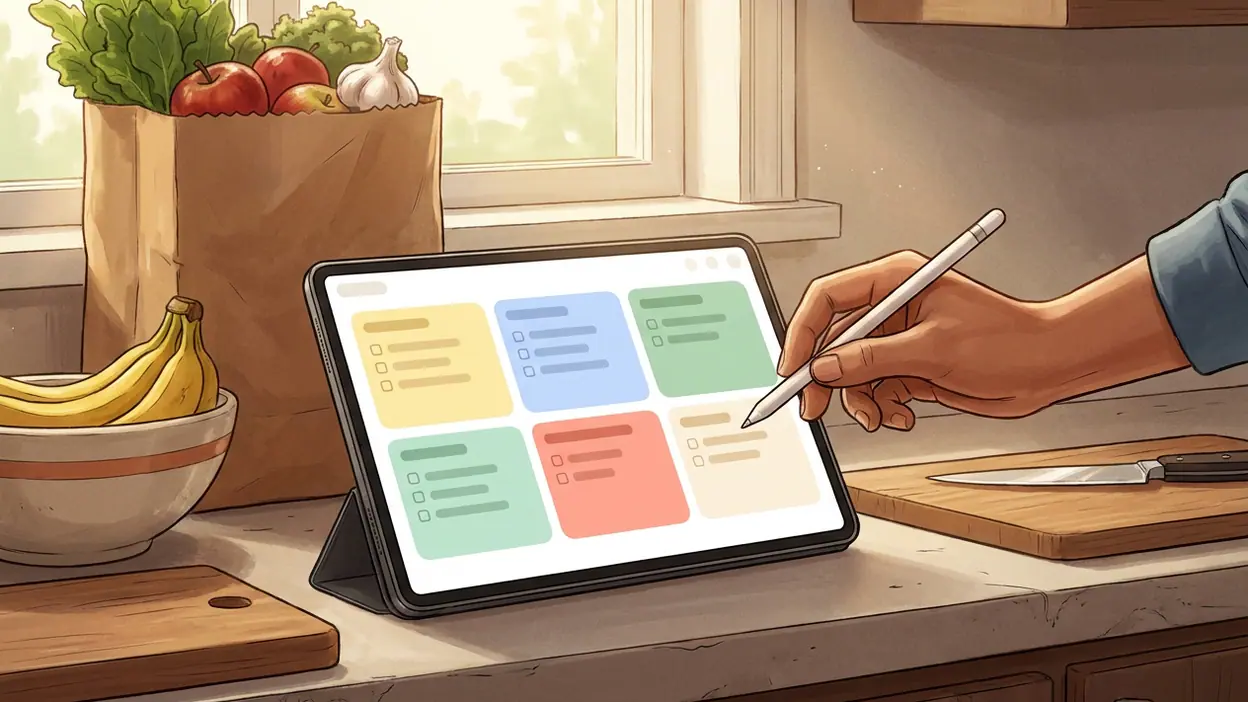
Checklists are a strong example. They turn a note into something that changes as a task gets done, without adding the overhead of a formal planner. A list can be reused or shared, and completed entries can be checked off instead of deleted. For a user trying to remember groceries, supplies, or a few household jobs, that visual feedback is enough. It is not sophisticated project management, and it does not need to be.
Search is another quiet source of repeat use. Notes tend to accumulate in fragments, and people are not always disciplined about labels. Being able to search words across saved material lowers the cost of this untidiness. Images and voice notes broaden what can be captured, although the usefulness of those formats depends on how clearly the user records their context. Keep can store a clue; it cannot always explain why that clue mattered.
These habits point to a particular audience: people who want a dependable landing place for the details that do not deserve a spreadsheet or a calendar event. Students can hold a quick reference, workers can park an action item, and families can maintain shared lists. The common thread is not occupation but tolerance for setup. Keep works best for users who want a tool to adapt to their habits rather than a system that asks them to redesign those habits.
The category is crowded, but the job is distinct
Notes apps compete on very different terms. Some sell advanced formatting and research tools; others emphasize handwriting, privacy controls, or a tightly managed personal knowledge base. Google Keep’s contest is narrower: can a note be captured and found with less effort? Against Google Drive, Keep is faster for scraps but weaker for composed documents. Against OneDrive’s document-centered approach, it is more immediate for a tiny reminder. Google Calendar is better for a fixed appointment, while Keep is better for a thought that may or may not become a scheduled task.
Google Assistant adds another comparison because voice capture can make the act of saving an idea feel almost incidental. But the assistant is an entry point, not a substitute for an organized note space. Keep gives those saved fragments a visible home, with lists and labels that can be revisited. This distinction matters: capture without retrieval is just another way to lose information.
Keep’s strongest position is therefore not feature leadership. It is low effort, recognizability, and the advantage of fitting naturally into a Google account many people already use. That ecosystem can reduce friction, but it also raises expectations. Users may expect notes, reminders, calendar events, and documents to behave like one seamless workspace. In practice, they remain separate products, and moving between them can involve manual choices rather than a single, intelligent flow.
Where the momentum feels strongest
The clearest opportunity lies in shared everyday coordination. A list that two people can update is more valuable than a static note, because every change gives the app another reason to be opened. The same is true for reminders attached to a moment or place: they connect an abstract intention to a real-world situation. These features do not make Keep a social platform, but they give a private utility app a small, recurring role in household and personal routines.
Its other advantage is that it works across a wide range of commitment levels. Someone can use Keep as a temporary inbox and abandon most notes after a day. Another person can build a library of recipes, ideas, and reference lists. The app does not require either user to adopt a prescribed method. That flexibility helps it fit casual users who might reject a more demanding organizer, and it keeps the first session simple enough to become a habit.
What ordinary users notice is the speed of the basic loop: open, capture, leave. The colored cards are visually distinct, checkboxes make lists immediately actionable, and reminders offer a nudge without turning every note into a deadline. The app’s best moments are not dramatic. They happen at the supermarket, in a hallway after a conversation, or while someone is trying to remember a small job before moving on.
Keep’s real product advantage is the short distance between remembering and recording. That is where its polish shows. A note does not need a title, a folder, or a plan to become useful. The simplicity feels intentional rather than unfinished when the task is small, and the app is easy to return to because it does not punish users for being inconsistent.
The weak points behind the simplicity
Minimalism cannot solve every problem. As a note collection grows, users may find themselves relying heavily on search and labels. Keep offers less structure than people who manage research or complex projects may want, and formatting tools are limited compared with full document editors. Notes can become a pile of useful fragments with no obvious next step. The same ease that encourages capture can produce clutter if a user expects the app to organize everything automatically.
There is also a platform and account consideration. Keep is most comfortable inside Google’s services, and that is a benefit only if a user wants that relationship. Someone who works across multiple ecosystems may prefer a tool with stronger export options or broader integrations. Collaboration is practical for simple lists, but Keep is not a replacement for a team workspace where ownership, deadlines, and project status need precise control.
Finally, its quiet reliability can make the product feel less ambitious than the market around it. Mobile productivity apps are adding automation, AI assistance, and richer connections between information. Keep’s restrained design may protect it from feature bloat, but it also leaves open the question of how it will help users move from a saved thought to a completed task. More intelligence would help only if it preserved the app’s quick, unforced feel.
A small utility with a durable case
The broader lesson is that mobile productivity does not always reward the app with the deepest feature list. A tool can remain relevant by taking one recurring annoyance and making it easier to handle. Keep does not organize a person’s whole life, and it should not be judged as if it does. Its job is to catch the scraps: the name, the errand, the idea, the list item that would otherwise slip away.
Google Keep - Notes and lists has momentum because that job is constant, and because the app asks for little in return. Its growth story is better understood as sustained everyday relevance than as a sudden market takeover. The product is strongest as a fast capture tool, a shared checklist, and a modest bridge between fleeting thought and action. It is weakest when users ask it to become a document system or project manager.
The newsroom read is straightforward: Keep remains a valuable mobile utility precisely because it has not tried to become everything. The category is moving toward more connected and automated work, but there will always be a need for a blank card that opens quickly and remembers the small thing. If Google can improve the path from capture to retrieval without burying that simplicity, Keep’s quiet momentum has room to continue.
You May Also Like

 Blood Strike: 2.5 Anniversary
Blood Strike’s Loadouts Turn Every Drop Into a Tactical Gamble
A close look at Blood Strike’s custom loadouts: how fast access to signature weapons reshapes its battle royale rhythm, rewards preparation, and narrows the gap between fights.

 Pandora - Music & Podcasts
Pandora’s Music Is Easy to Start, but Harder to Recover
Pandora’s strength is its low-effort path from a seed to a station. Its weak spot is how much confidence it asks you to place in connection, setup, and quiet recovery.

 8 Ball Pool
 Is Built on Rivalries, Rematches, and Routine
A close look at the rivalries, rematches, shared routines, and unanswered safety questions that turn a quick pool match into a persistent mobile community.

 Samsung Music
’s Quiet Strength Is Playing What You Already Own
Its reach comes less from spectacle than from dependable access to a personal library. That simplicity is both the app’s strongest retention engine and its ceiling.

 AccuWeather: Weather Radar
AccuWeather Review: A Quick, Clear Forecast for Everyday Decisions
For everyday plans, the best forecast is the one you can understand quickly. AccuWeather makes rain timing, radar, and local conditions easy to act on, with a few trade-offs.

 Hill Climb Racing
Why Hill Climb Racing Still Turns Crashes Into One More Run
A tiny car, a bumpy hill and one more upgrade: Hill Climb Racing keeps resurfacing because its simple chaos makes every near-miss feel personal.