 PDF Scanner app - TapScanner
TapScanner Makes Paperwork Easier to Capture, Check, and Share
TapScanner makes scanning with a phone feel less like a rescue operation and more like a dependable step in getting work done. Its capture tools are useful, though not flawless.
The most useful thing PDF Scanner app - TapScanner does is not simply turn a camera photo into a PDF. It makes the awkward moment between receiving a paper document and needing to send it feel manageable: point, capture, check the edges, and share a file that looks intentional. That small shift matters. A scanner app earns its place not through a long list of filters, but by making the paper in your hand easier to deal with before it disappears into a bag, inbox, or pile on the desk.
From camera shot to usable document
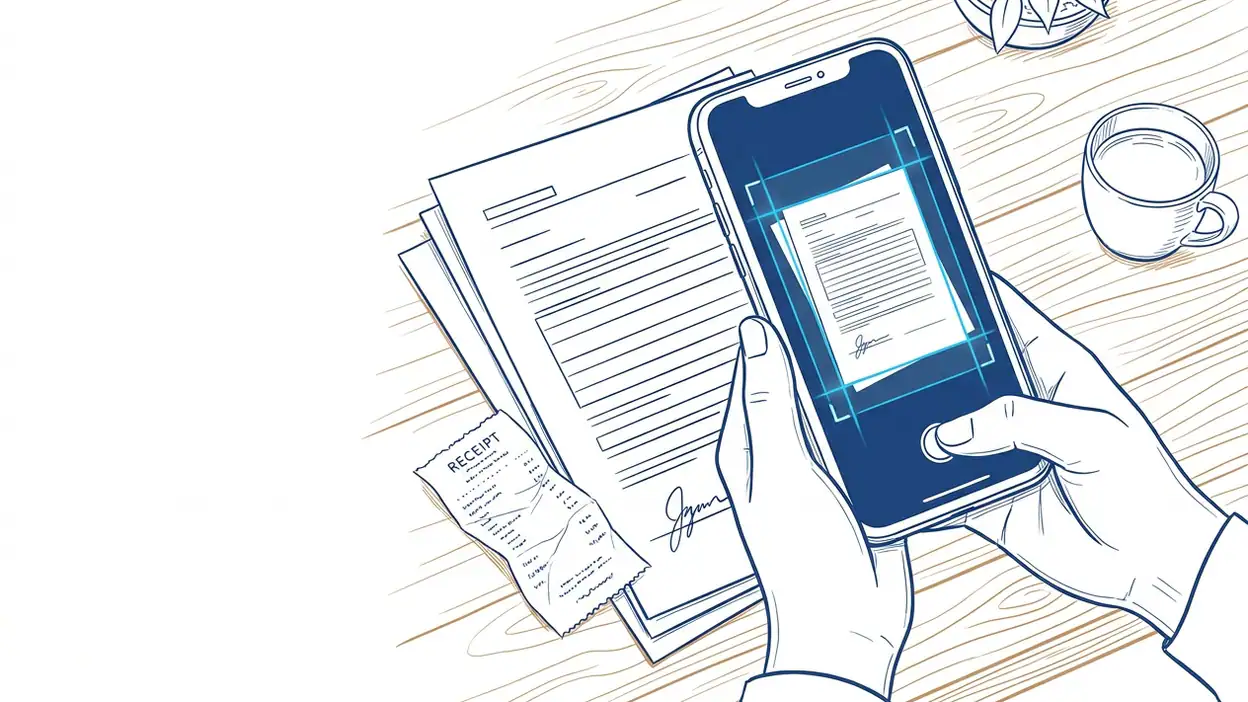
TapScanner’s core feature is its document capture workflow. You frame a page with the phone camera, capture it, and let the app detect the sheet against its surroundings. It can crop to the page boundary and apply image adjustments that make text easier to read than it would be in an ordinary snapshot. You can review the result, make corrections, and save or share the scan as a PDF or image.
That may sound like a modest set of steps, but each one tackles a familiar failure. A casual photo can include a tabletop, a tilted page, uneven lighting, or a shadow over a signature. A document scan is expected to look flatter, cleaner, and easier to pass along. TapScanner’s processing is designed to bridge that gap without asking you to learn desktop scanning software.

See More Apps by PDF Scanner app - TapScanner


The app also supports scanning multiple pages into a document, which turns a handful of loose sheets into one file rather than a run of separate camera images. That is the practical distinction between a scanning tool and a camera shortcut: the output is organized around the document, not the moment you took its picture.
It is worth keeping expectations grounded. A phone camera cannot recover details that were never captured, and automatic edge detection is not infallible. TapScanner can improve a readable page; it cannot make tiny print legible from a blurred shot or remove every crease and shadow. Its job is to reduce friction, not perform magic.
Why the small cleanup matters
A scan that looks merely acceptable on your own screen can look careless once it reaches someone else. Cropping away the desk and straightening a page make a form easier to read and signal that you checked the file before sending it. That can matter with a signed agreement, a school permission slip, a receipt for reimbursement, or a document being submitted through a portal that expects a PDF.
This is where TapScanner’s feature has more value than its technical description suggests. It helps close the gap between having a document and having a document ready to send. The capture and crop process provides a moment to notice a missing page, a cut-off corner, or a signature that did not come through clearly. That quick inspection can save a second message and another round of scanning.
There is also a behavioral benefit. When scanning takes a few direct actions, people are more likely to handle paperwork while it is still in front of them. Instead of promising yourself you will find a flatbed scanner later, you can make a usable copy at the kitchen table, in a reception area, or beside the printer at work. The app’s value accumulates through these small avoided delays.
A real job for the camera
The strongest everyday scenario is a short, mixed stack of paperwork that needs to travel. Imagine leaving a clinic with a referral and a printed care instruction, or receiving a signed paper at a meeting and needing to send it to a colleague before the day ends. You can capture each page in sequence, review the edges, and produce one shareable file without returning to a computer.
That scenario suits TapScanner better than a glossy product demonstration would. The app is most convincing when the paper is ordinary and the deadline is mildly annoying. A receipt needed for an expense report, an identification document requested by a service provider, or a signed form for a child’s school are not exciting tasks. They are exactly the kind of tasks people postpone because the process feels fiddly.
For a single page, the appeal is speed. For several pages, it is continuity: you can build a document as you scan rather than later trying to sort a camera roll. Reviewing the result before sharing is especially useful when page order matters. The workflow does not eliminate care, but it places the checks close to the capture, where they are easiest to remember.
How it changes the paperwork routine
A scanner app changes behavior only if it becomes a reliable first response. TapScanner nudges toward a simple routine: capture the paper as soon as you know it must be kept or sent, inspect the scan, then share or file it. That is a healthier pattern than photographing everything indiscriminately and hoping to sort it out later.
The routine also makes temporary paperwork less dependent on physical storage. A receipt can be recorded before it fades or gets lost; a signed sheet can be sent while everyone is still available to confirm it; a document can be saved before it is returned to someone else. The app does not decide how you organize those files afterward, but it lowers the effort required to create a digital copy in the first place.
That distinction matters because convenience can create clutter as easily as it can remove it. If every scan is saved without a naming or filing habit, the phone becomes another drawer full of paperwork, only harder to browse. TapScanner’s capture feature gets the page into digital form; the user still has to give the file a sensible destination and name.
Design that helps, and the rough edges
The best design choice is the order of operations. Capture comes first, and correction follows immediately, when the page is still visible and easy to reshoot. Automatic detection can save time, while manual adjustment gives you a way out when the crop guesses wrong. That combination is more useful than a highly elaborate editing screen that slows down a straightforward scan.
Still, the camera conditions remain in charge. Glossy pages can reflect light; a curled corner can confuse the crop; a dim room can leave text muddy. Automatic processing may make a page look stronger, but an aggressive filter can also flatten subtle marks or make faint printing harder to distinguish. A careful user should inspect the actual file rather than assume that a clean preview guarantees a perfect document.
The process can also feel less effortless when you have a large archive to digitize. TapScanner is naturally suited to occasional pages and small batches, not necessarily a full filing cabinet. On-screen capture and review are sensible for a few sheets, but repetitive rescanning, naming, and sorting still take time. A dedicated scanner or a more comprehensive document-management setup may be the better tool for sustained office work.
There is a further trade-off common to free-to-download utility apps: features, storage, or export options may depend on the current plan and in-app offers. Those details can change, so it is sensible to check the app’s current terms before relying on a particular workflow for regular business use. The capture feature can be useful on its own, but the whole experience should be judged by the export and access limits you actually encounter.
What other apps reveal
The comparison with Google Home or Android Auto is not about similar features; it is about how narrowly a useful tool should stay focused. Those apps organize a home or a driving experience around connected tasks. TapScanner has a smaller job: get a paper page into a clean, portable format. Its appeal comes from completing that job quickly, rather than trying to become the center of someone’s digital life.
Canva: AI Photo & Video Editor approaches images as creative material to transform, while TapScanner treats the image as evidence of a document that should remain readable and orderly. That difference is important. A scanner’s adjustments should serve clarity, not style. Temu: Shop Like a Billionaire is an even looser comparison, but it underscores the point: an app can be opened often because it encourages browsing, or because it reliably removes a recurring chore. TapScanner belongs to the second category.
Other dedicated scanning tools may offer similar edge detection, filters, and PDF export. The deciding question is less whether TapScanner has a unique scanning trick than whether its capture-to-share path suits your habits, device, and expectations around paid features. It is a practical choice for light use, not a claim that every competing scanner is obsolete.
Who gets the most from it
TapScanner makes the most sense for students, freelancers, parents, and anyone who occasionally needs to turn paper into a file while away from a full scanner. It is particularly handy for people whose paperwork arrives in brief, inconvenient bursts: one signed form, two receipts, a few pages from a meeting. They can benefit from a dependable capture routine without buying equipment or setting up a desktop workflow.
People who handle confidential documents should pause before adopting any cloud-backed or account-linked workflow and review the app’s current privacy and storage terms. Likewise, anyone scanning large volumes, demanding archival quality, or needing strict document controls should compare specialist options before making TapScanner part of a formal process.
For ordinary personal and small-business paperwork, though, the feature’s scale is just right. It does not ask you to redesign how you work. It gives you a way to finish a nuisance task with the device already in your hand, then get back to the work that actually matters.
PDF Scanner app - TapScanner is best understood as a practical bridge between paper and the next step: an email, an upload, a record, or a shared folder. Its scanning workflow is useful because it combines capture, cleanup, and review at the moment they matter, not because it can rescue every bad photo or replace a dedicated office system. If you regularly deal with a few pages at a time, that modest reliability can change how quickly paperwork gets done. If you expect effortless perfection or high-volume document management, its limits will show. The feature earns its place by making a small chore easier to finish, and that is a solid case for keeping it installed.
You May Also Like

 AccuWeather: Weather Radar
AccuWeather Review: A Quick, Clear Forecast for Everyday Decisions
For everyday plans, the best forecast is the one you can understand quickly. AccuWeather makes rain timing, radar, and local conditions easy to act on, with a few trade-offs.

 Hill Climb Racing
Why Hill Climb Racing Still Turns Crashes Into One More Run
A tiny car, a bumpy hill and one more upgrade: Hill Climb Racing keeps resurfacing because its simple chaos makes every near-miss feel personal.

 AliExpress - Shopping App
AliExpress Makes Global Shopping Feel Personal, but Shoppers Bear the Risk
AliExpress turns a global marketplace into a pocket-sized discovery engine. Its reach is useful, its shopping loop compelling, and its trade-offs easy to miss.

 Lords Mobile: Kingdom Wars
Lords Mobile Is a Kingdom-Building Routine, Not a Quick Match
A case-by-case verdict on the building, battles, device demands, and social commitments that make Lords Mobile rewarding for some players and exhausting for others.

 Block Blast!
 Shows How Much a Puzzle Game Can Leave Out
A quiet grid game shows why puzzle players increasingly value instant clarity, repeatable skill and low-pressure play—and where the genre still needs to catch up.

 Family Space
 Review: A Shared Routine That Makes Family Life Easier
A parenting app earns its place not by adding more noise, but by making everyday coordination easier. Family Space gets that balance mostly right.