 Android Auto
Unlock Android Auto: Hidden Features for Smarter Driving
Transform your driving experience by unlocking Android Auto's hidden potential. Discover immediate wins, essential settings, and smarter workflows.
Ever feel like you're only scratching the surface of what your car's infotainment system can do? With Android Auto, that's often the case for many drivers. What if I told you there's a treasure trove of features just waiting to enhance your driving experience? Let's dive into how you can become a power user and truly unleash the potential of Android Auto.
Why Most People Barely Use It Well
Most folks plug in their phones and settle for basic navigation and music streaming. But Android Auto is capable of so much more. The issue? Users often don't explore beyond the surface, missing out on productivity features and customization options. It’s like owning a smartphone and only using it for calls.
Fastest Immediate Win
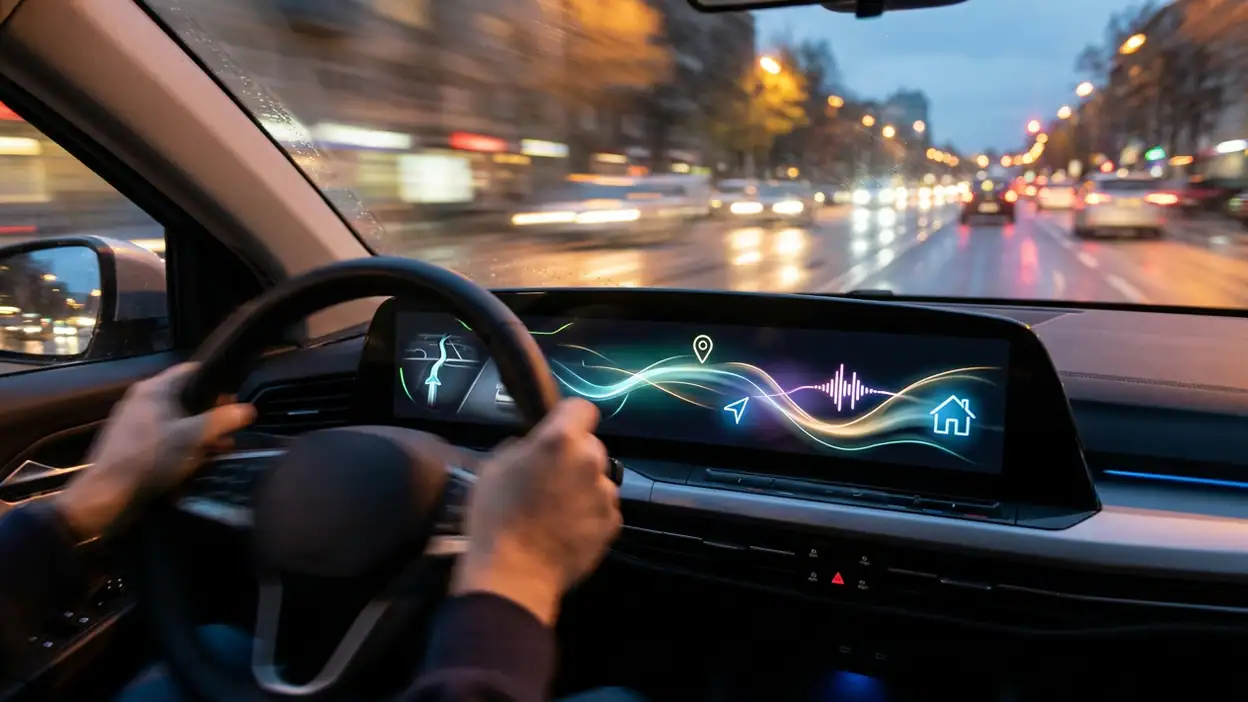
Start with voice commands. Yes, Google Assistant isn't just for setting reminders. Use it for navigating to frequent destinations, controlling music playback, and even sending texts—all hands-free. It’s the quickest way to make Android Auto feel indispensable.

See More Apps by Android Auto


Settings Worth Changing First
Head into the app settings on your phone. Prioritize notifications that truly matter by customizing the app order. Turn off unnecessary alerts to stay focused. You’ll also want to enable “Show messages” to have incoming texts read aloud, keeping your eyes where they belong—on the road.
Better Workflow Setup
Utilize the split-screen feature to simultaneously navigate and control music. Switch the layout to show maps on your preferred side. Pairing this with Google Maps shortcuts ensures your commute is both efficient and enjoyable, without juggling multiple tasks.
Shortcuts That Save Time
Create shortcuts for your most frequented locations. Instead of typing each address, tap and go. You can also customize the home screen with your preferred apps in the order that suits your routine, reducing the time spent searching for what you need.
Feature Combinations That Matter
Pair Android Auto with smart home apps like Google Home. Imagine telling Assistant to adjust your home’s thermostat while you're driving back from work. The integration can make your life smoother by connecting your car with your smart home ecosystem.
Mistakes Casual Users Make
One common mistake is not updating the app or the phone’s OS regularly, missing out on new features and security updates. Another is overlooking the importance of a good cable connection; a faulty cable can cause frustrating disconnections.
Who Benefits Most
Commuters and road warriors, rejoice! Android Auto becomes your best travel companion by offering real-time traffic updates, alternate route suggestions, and the ability to manage your day from the dashboard. Busy parents can also appreciate the hands-free capabilities to manage their family’s logistics safely.
When It Becomes Genuinely Useful
When you start integrating your everyday tasks into Android Auto, its real value shines through. Whether it’s making calls, checking your calendar, or controlling media, the system streamlines your routine, reducing stress and distractions.
Ultimately, Android Auto is an essential tool for any driver looking to enhance their in-car experience. By tweaking settings and utilizing its full suite of features, you’ll transform daily drives into seamless journeys. So don’t just settle for the basics—dive deeper, and let Android Auto drive your digital life.
You May Also Like

 AccuWeather: Weather Radar
AccuWeather Review: A Quick, Clear Forecast for Everyday Decisions
For everyday plans, the best forecast is the one you can understand quickly. AccuWeather makes rain timing, radar, and local conditions easy to act on, with a few trade-offs.

 Hill Climb Racing
Why Hill Climb Racing Still Turns Crashes Into One More Run
A tiny car, a bumpy hill and one more upgrade: Hill Climb Racing keeps resurfacing because its simple chaos makes every near-miss feel personal.

 AliExpress - Shopping App
AliExpress Makes Global Shopping Feel Personal, but Shoppers Bear the Risk
AliExpress turns a global marketplace into a pocket-sized discovery engine. Its reach is useful, its shopping loop compelling, and its trade-offs easy to miss.

 Lords Mobile: Kingdom Wars
Lords Mobile Is a Kingdom-Building Routine, Not a Quick Match
A case-by-case verdict on the building, battles, device demands, and social commitments that make Lords Mobile rewarding for some players and exhausting for others.

 PDF Scanner app - TapScanner
TapScanner Makes Paperwork Easier to Capture, Check, and Share
TapScanner makes scanning with a phone feel less like a rescue operation and more like a dependable step in getting work done. Its capture tools are useful, though not flawless.

 Block Blast!
 Shows How Much a Puzzle Game Can Leave Out
A quiet grid game shows why puzzle players increasingly value instant clarity, repeatable skill and low-pressure play—and where the genre still needs to catch up.